Trenee
Mar 13, 2023
1 min read
Updated: Apr 7, 2023
LIBERATED


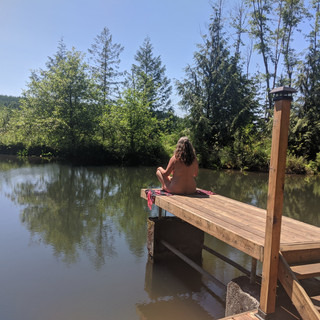
The mission of Women In Nude Recreation (WINR) is to inspire women to embrace nudism through community, camaraderie and connection. WINR passionately promotes the many benefits of nudism
by encouraging and supporting women through body acceptance and empowerment.


Comments