Michelle
Apr 26, 2023
1 min read
Updated: Jul 13, 2023

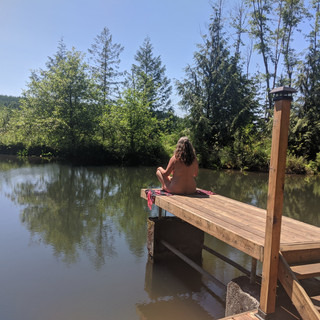
Peaceful

The mission of Women In Nude Recreation (WINR) is to inspire women to embrace nudism through community, camaraderie and connection. WINR passionately promotes the many benefits of nudism
by encouraging and supporting women through body acceptance and empowerment.


I remember her, she gave me my tour at the Willamettans in Oregon. She was super cool, and she was mid tour when bit more sun came out and she openly asked if she could get nude? Said of course as long as I could as well.
Michelle 😉
Any ladies out there wants to travel w/ 47 single male?
Gorgeous